Connect Overview
Skyvia Connect is an API-server-as-a-service product that allows you to quickly and easily create web API endpoints to provide access to your data from anywhere.
A convenient GUI allows you to easily create web API for your data without typing a line of code. You get a ready-to-use endpoint URL, and there is no need to care about API server hosting, deployment, and administration at all.
Skyvia Connect allows you to create three kinds of endpoints: OData, SQL and MCP endpoints.
OData Endpoints
OData endpoints allow access to your data via OData protocol. OData is a widely accepted open standard protocol for data access over the Internet. It provides queryable and interoperable RESTful APIs for working with data. You can find more information about the OData standard and more useful OData tools and resources at www.odata.org.
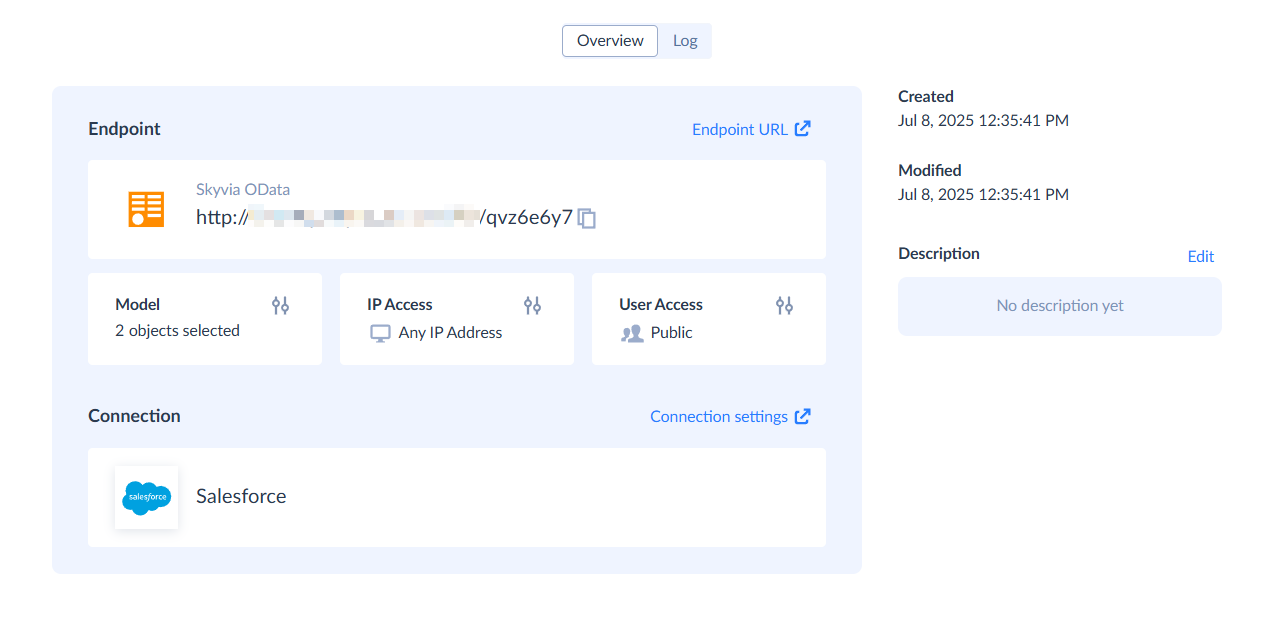
OData protocol is supported in a wide variety of OData consumer applications: BI tools, integration solutions, like Salesforce Connect, programming libraries and frameworks, etc. After you create an OData endpoint, you need to simply specify its URL, and you can work with its data in your OData consumer tool.
SQL Endpoints
SQL endpoints provide custom API that allows executing SQL queries against the data source and obtain the returned data in a JSON format. DML SQL commands are also supported. For database SQL endpoints, DDL is also supported.
You can work with data of an SQL endpoint via our custom ADO.NET provider or via ODBC driver, designed specially for SQL endpoints. This means that you can use usual SQL statements via standard ADO.NET and ODBC interfaces against any data source that you can connect to from Skyvia.
MCP Endpoints
MCP endpoints allow you to connect AI agents to your cloud apps and databases via the open Model-Context protocol. You can then work with your data using natural langage prompts in AI tools, like Claude.
Creating Endpoints
To create a new endpoint, click + Create New and, under Connect, select the endpoint type:
- OData: Select the editor mode, choose a connection, select objects, configure IP addresses and user authentication, choose OData version and endpoint mode.
- SQL and MCP: Choose a connection, configure IP addresses, and user authentication.
You can't publish data from a custom query directly. Skyvia Connect supports publishing cloud objects and database tables or views. If you need to publish the results of a custom database query, create a view and publish that view instead. For OData endpoints, you can also hide specific columns.
For more details, see:
Managing Endpoints
As well as the other Skyvia objects, endpoints are available in the object list, and you can manage them as well as other Skyvia objects. You can organize them into folders, edit or delete them, filter by name or data source, etc.
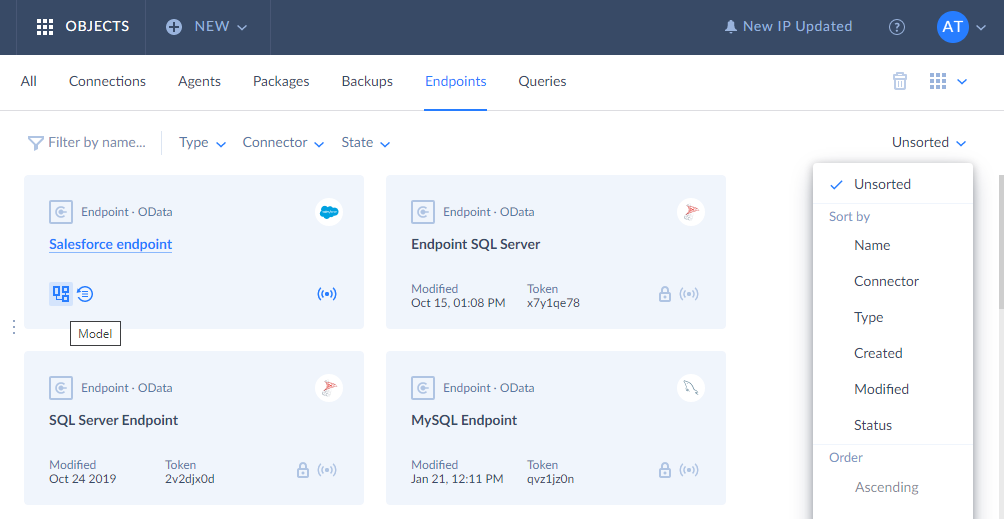
To create a new endpoint, click the corresponding link in the + Create New menu. Skyvia offers a convenient GUI wizard that allows creating an endpoint in a few simple steps without coding. For detailed instructions on using this wizard, please see the How to Configure OData Endpoint in Simple Mode, How to Configure OData Endpoint in Advanced Mode, and SQL Endpoints topics.
Active/Inactive Endpoints
At any time you can activate or deactivate an endpoint - either by using its corresponding Quick Action in the object list or in the endpoint details.
When endpoint is inactive, its data cannot be accessed, and it returns an error message that it is inactive for any request. Note that if an endpoint is invalid or uses features, not provided in your Connect pricing plan, you cannot activate it. The free pricing plan allows only one active endpoint.
Endpoint Security
Skyvia Connect allows you to create additional security layer over your data source. You can create user accounts with passwords for your endpoints and pass these credentials to users you want to share your data with. You don't need to share your original data source credentials with them. You also can limit access to your endpoints by specifying IP address ranges for which access is allowed. Together with exposing only the necessary entities, this makes data sharing via Skyvia Connect convenient and secure. See more details about user account and IP configuration in the Security Settings topic.
If you don't specify any users, the endpoint data will be publicly available to anyone without authentication, and if you don't specify any IP address ranges, the endpoint data will be available from any IP by default.
Logging
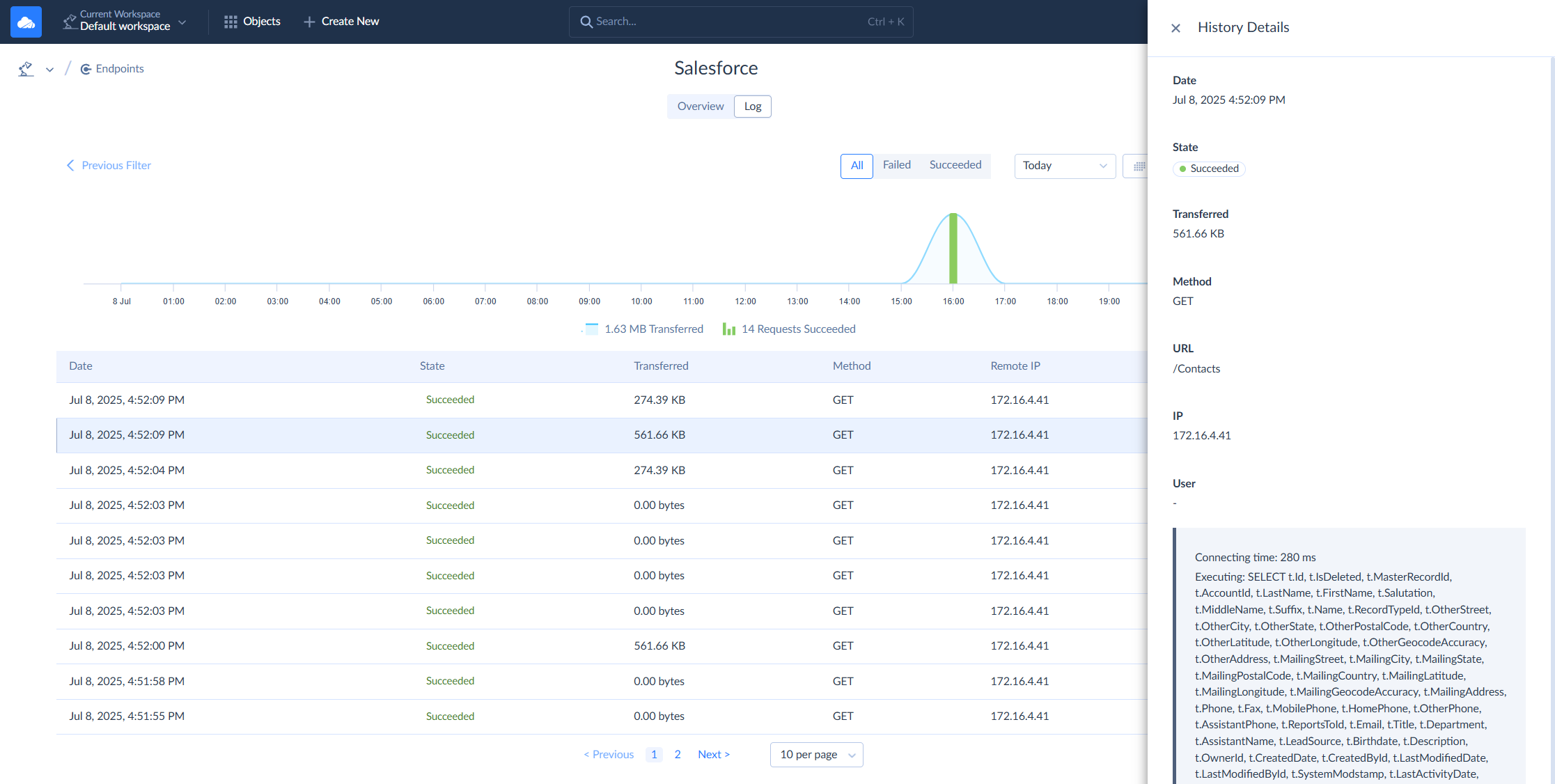
Skyvia provides advanced monitoring functionality for created endpoints. For each endpoint you can view a detailed log with all the requests to an endpoint with their URLs, user names, executed SQL statements, error messages (if any), etc. See more details about logging in the Monitoring Endpoint Activity topic.
Hybrid Deployment
Skyvia allows hosting SQL and OData endpoints on your local computer or in a local network, without passing data via Skyvia services, via the hybrid deployment feature.
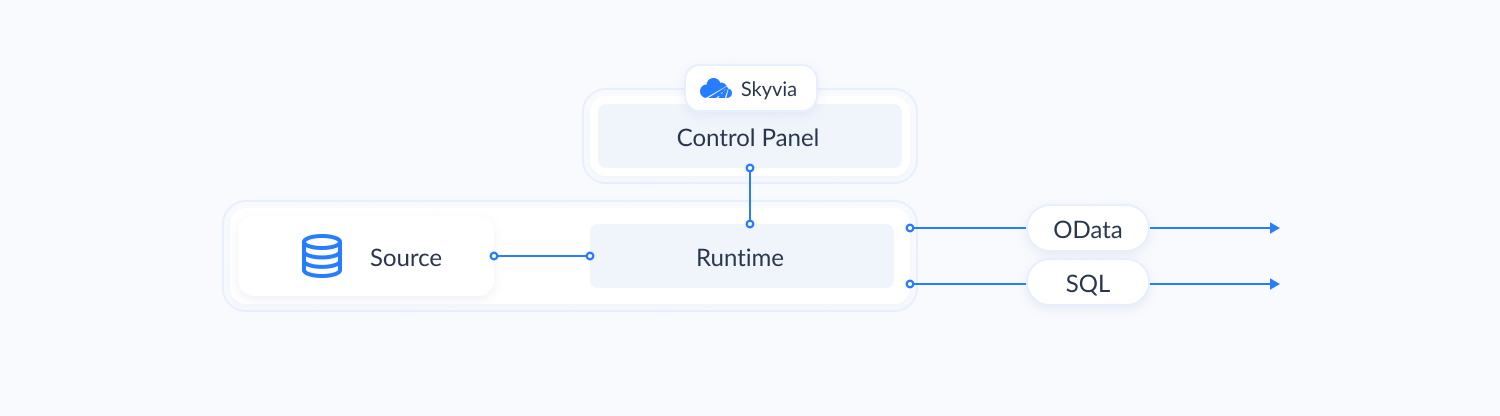
Skyvia agent application includes Connect runtime web service, which you can use to host Skyvia Connect endpoints in IIS. Agent connects to Skyvia only to obtain the endpoint metadata and connection parameters, which are then passed to Connect runtime web service. The web service then connects to the data source directly and performs all the read and write operations against it without ever exchanging the data source data with Skyvia service.
Endpoint configuration is still performed on Skyvia. The Connect runtime web service also sends endpoint logs to Skyvia via agent, so logging is available on Skyvia in the same way as for usual endpoints. However, traffic for local endpoints is not counted to subscription limits.
Read more about hybrid deployment and the list of supported connectors here.