SharePoint Files
SharePoint is a cloud based content management and collaboration platform from Microsoft.
Establishing Connection
To create a connection to SharePoint Files, perform the following steps:
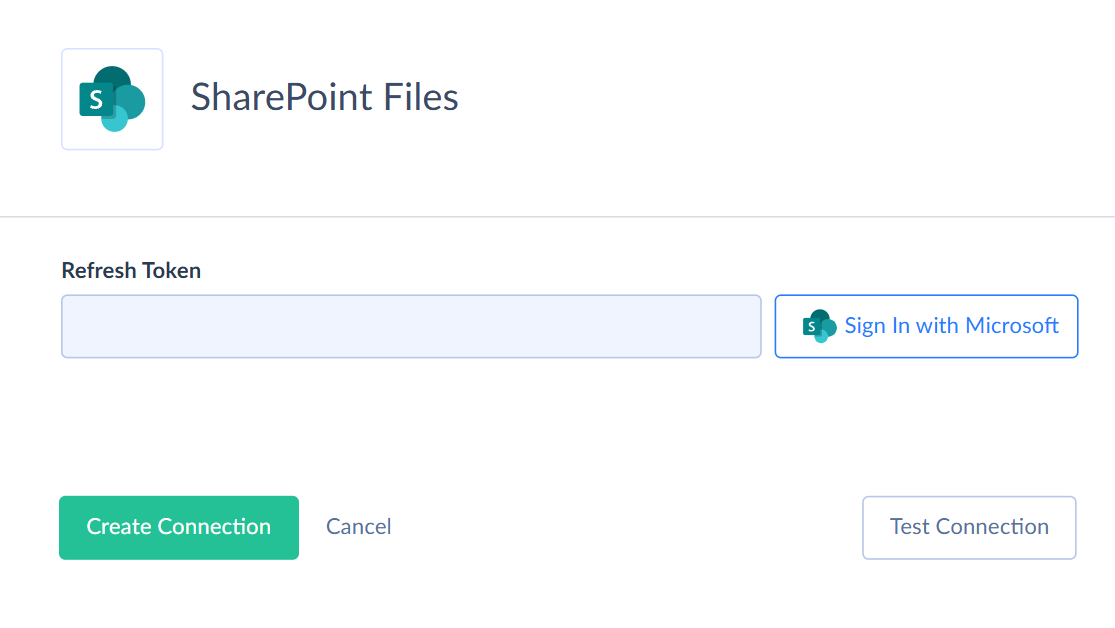
Creating Connection
-
Click Sign In with Microsoft.
-
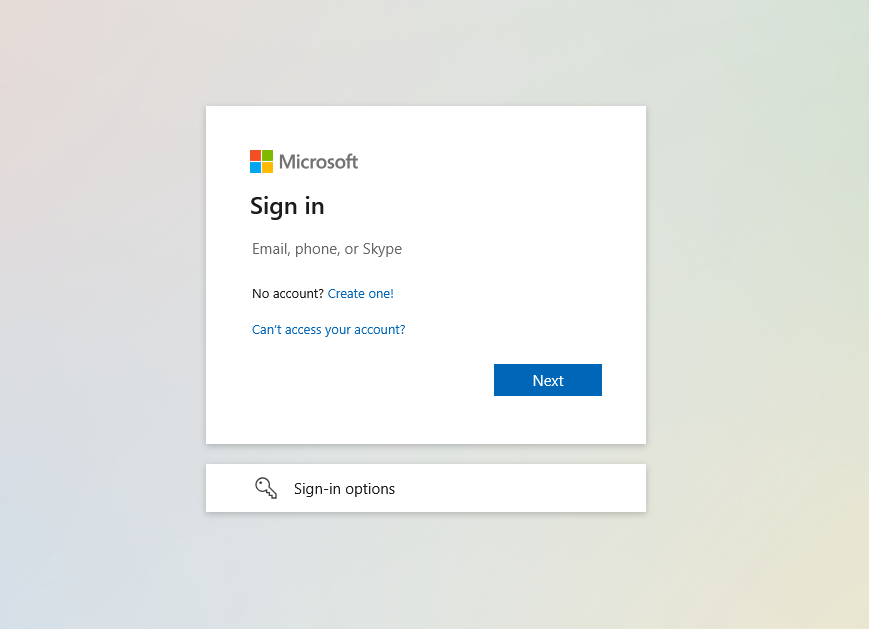
Enter your email.
-
Enter your password, and click Sign in.

-
Click Accept.
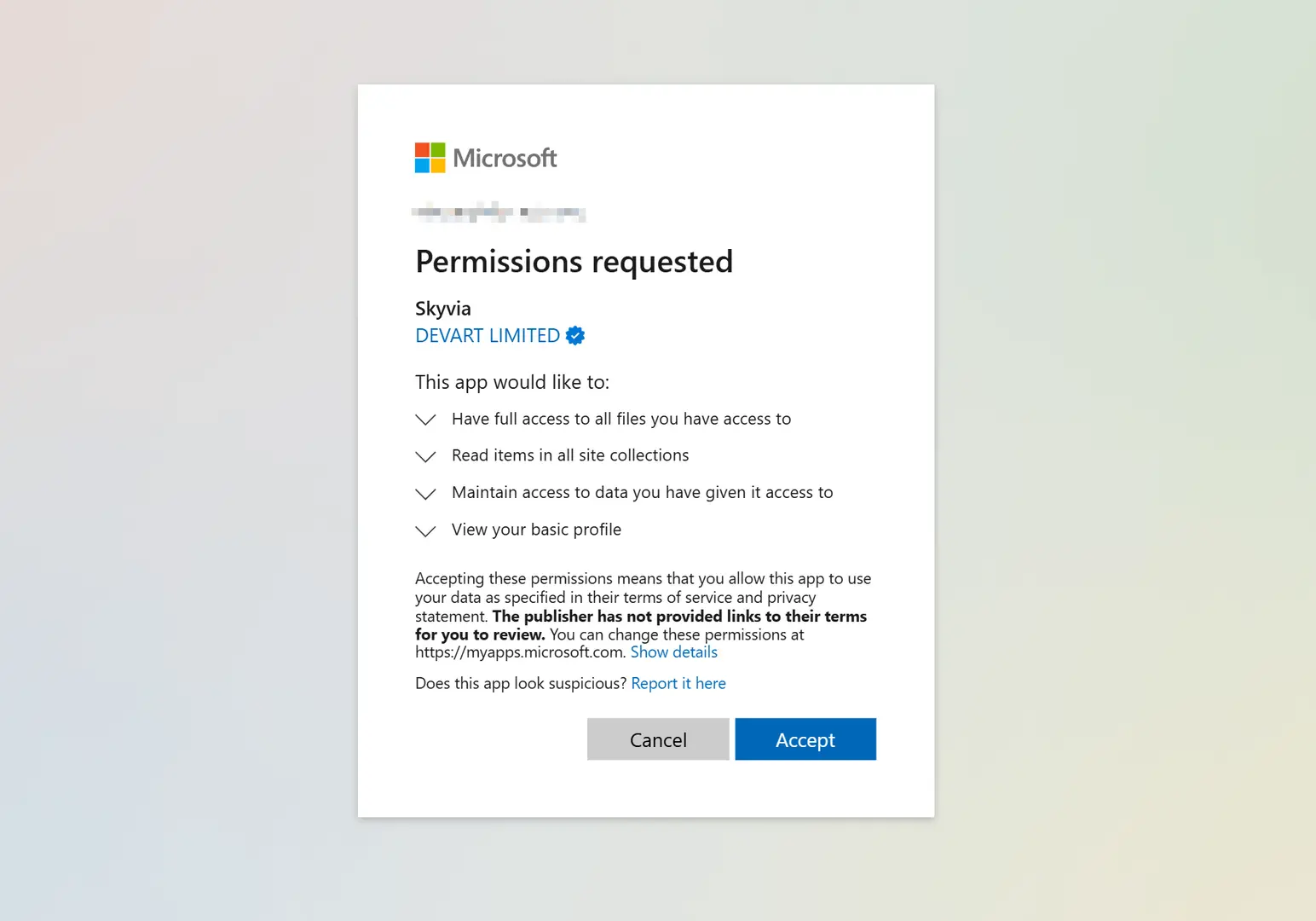
If your organization requires admin approval for third-party apps, your Microsoft administrator must grant access to Skyvia manually. Contact your Microsoft administrator to complete the connection.
Connector specifics
File Masks
When you use Sharepoint Files as CSV source, you can specify a file mask using a date/time template instead of selecting a file. When integration runs, it will search the file in the folder by substituting the current date to the mask.
Was this page helpful?