HubDB
HubDB is a database tool used to create and manage structured tables of HubSpot data.
Data integration: Skyvia supports importing data to and from HubDB, exporting HubDB data to CSV files, replicating HubDB data to relational databases, and synchronizing HubDB data with other cloud apps and relational databases.
Backup: Skyvia Backup does not support HubDB.
Query: Skyvia Query supports HubDB.
Establishing Connection
To create a connection to HubDB, sign in with your HubSpot account.
Creating Connection
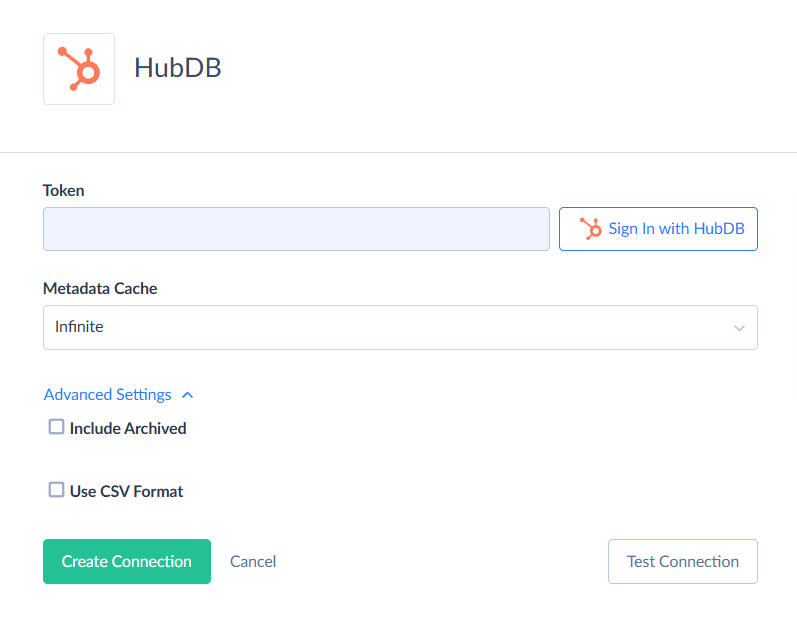
To connect to HubDB, perform the following steps:
-
Click Sign In with HubSpot.
-
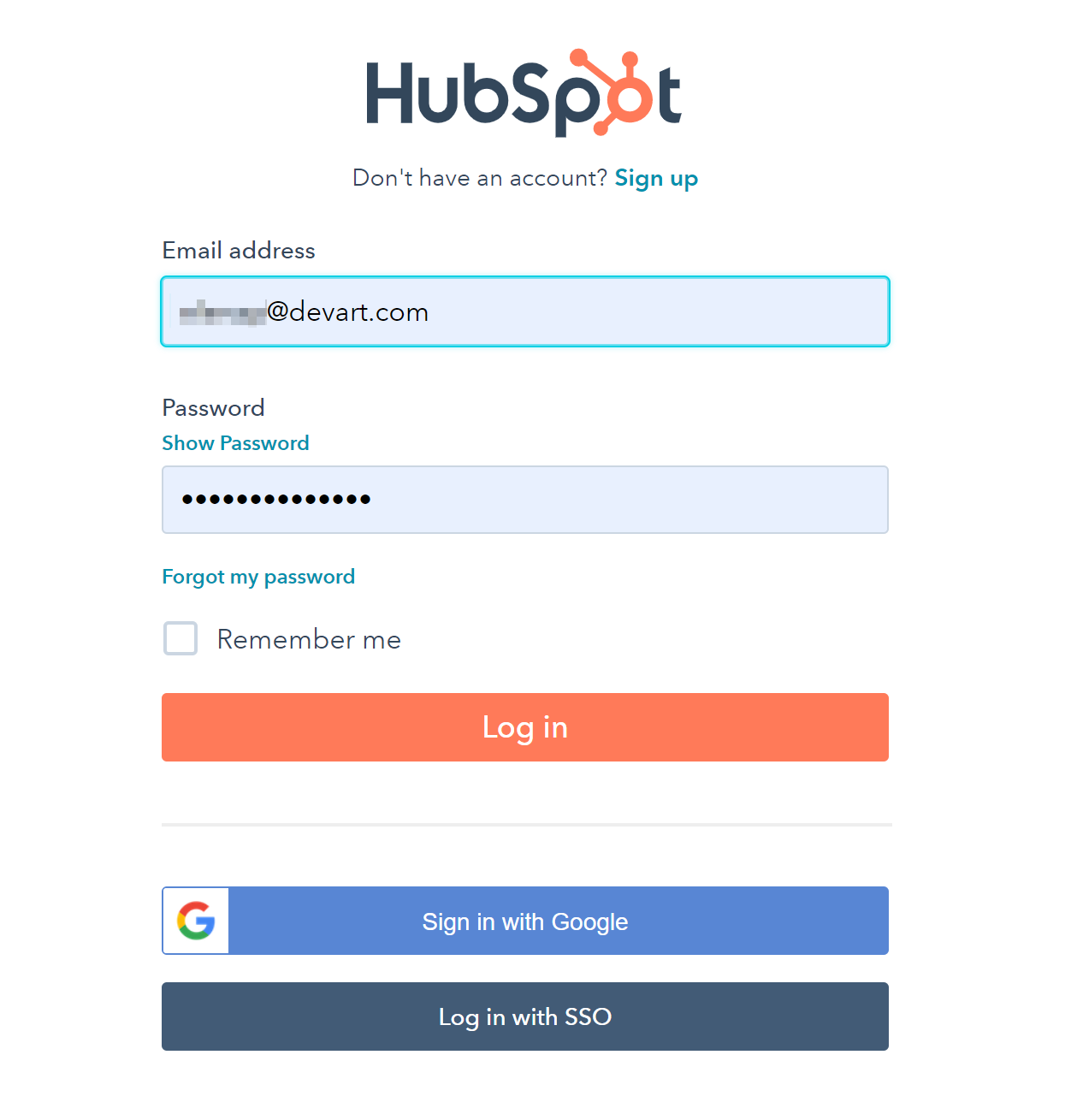
Enter your HubSpot credentials and click Log in.
-
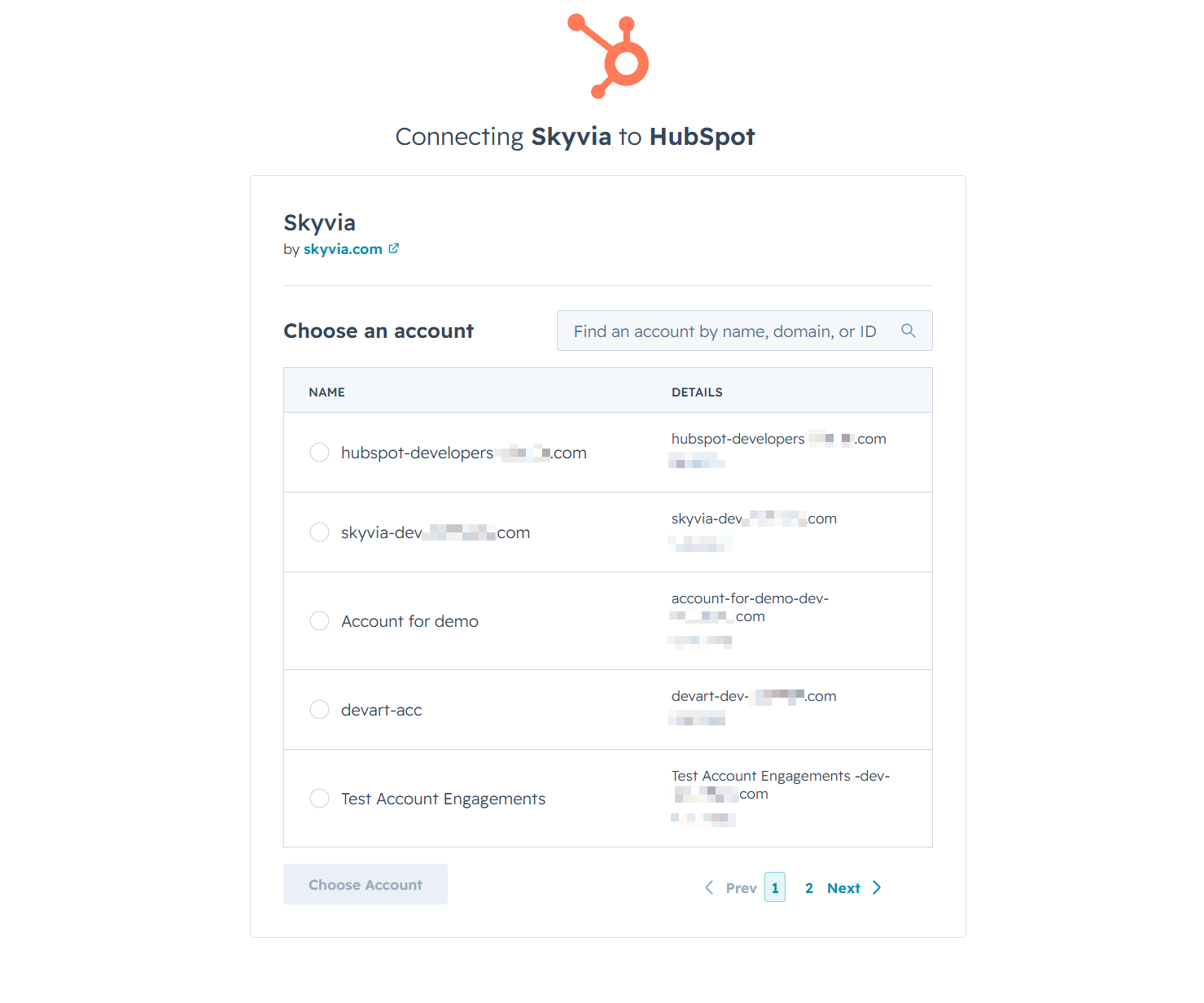
Select your account to use and click Choose Account.
-
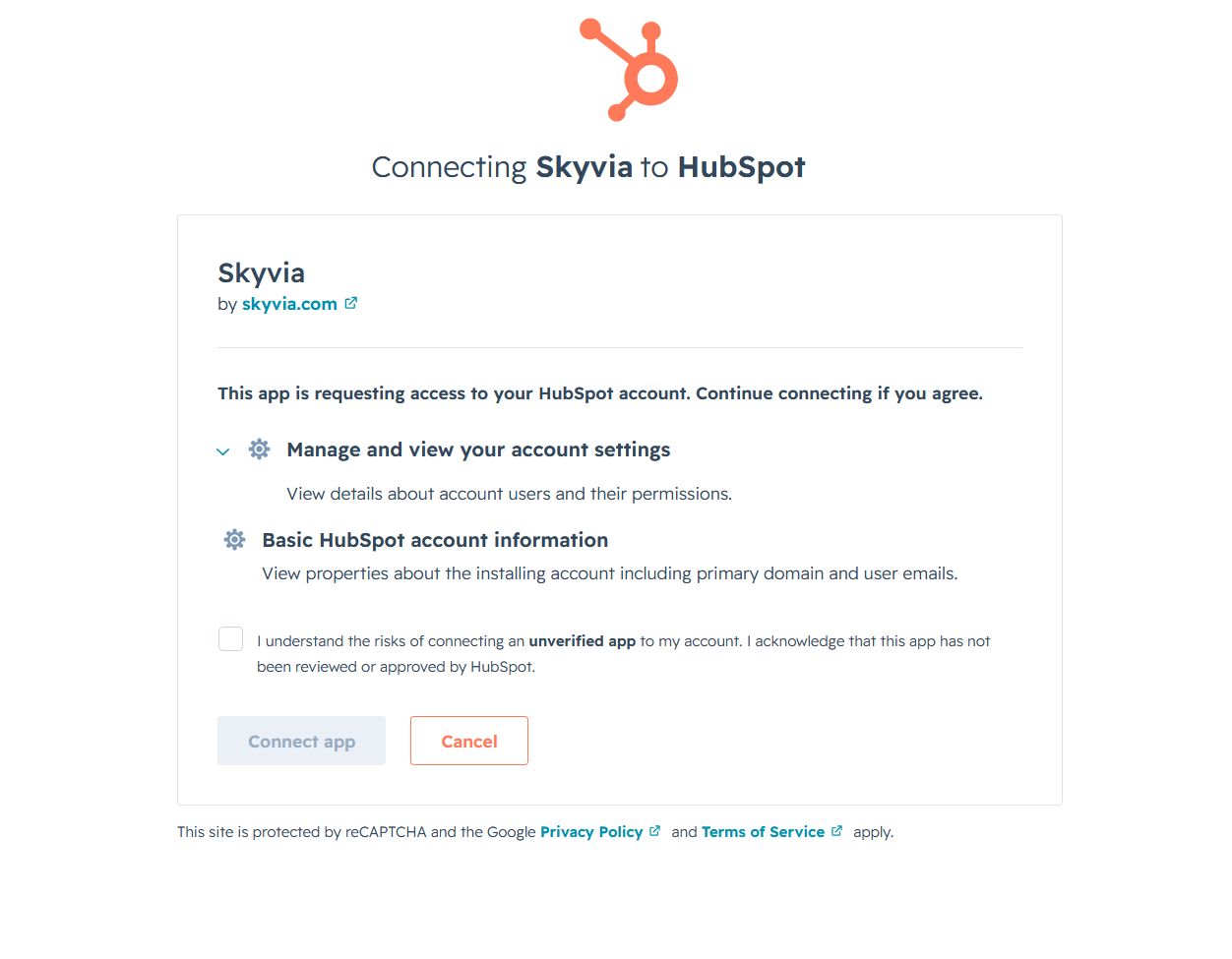
Scroll to the bottom, select the consent checkbox, and click Connect app to approve the access request.
Additional Connection Parameters
Include Archived
This parameter includes the archived tables into schema tables for querying.
Use CSV Format
Represents data in the columns of particular types (file, image, select, multiselect, location, foreign_id) in CSV format instead of JSON format. For example, the location.
Connector Specifics
General Object Structure
Schema tables contain information about custom tables. DraftTables, PublishedTables, DraftColumns, PublishedColumns
Data tables are the user's custom tables that contain data.
System tables include the Users table designed to track relations.
Object Peculiarities
HubDB tables have draft and published versions.
Table drafts are used for testing, manual approval, without affecting the published pages. Draft tables can be published.
The published table versions reflect the data on the linked web page, to avoid directly editing the public information.
Published and draft versions of the tables are represented by separate objects in Skyvia. Published tables are read-only, while Draft tables are editable.
Filtering Specifics
HubDB API supports the following native filters:
| Object | Field | Operator |
|---|---|---|
| DraftTables | Id | = |
| DraftColumns | Id, TableId | = |
| Users | Id | = |
| Data tables (system fields) | Id | =, !=, >, >=, <,<=, IN |
| PageTitle, PagePath | =, !=, IS NULL, IS NOT NULL |
|
| CreatedAt | =, >, >=, <, <= |
|
| Data tables (custom fields) | Id | =, !=, >, >=, <, <=, IN, IS NULL, IS NOT NULL |
| Text, RichText | =, !=, IS NULL, IS NOT NULL |
|
| Select | =, !=, IS NULL, IS NOT NULL |
|
| Date, DateTime | =, >, >=, <, <=, IS NULL, Is NOT NULL |
|
| Number | =, !=, >, >=, <, <=, IN, IS NULL, IS NOT NULL |
|
| Currency | =, !=, >, >=, <, <=, IS NULL, IS NOT NULL |
|
| Boolean | =, != |
Use these filters to improve performance and save API calls. You can use filters with other fields or operators, but it may increase API call usage.
Incremental Replication and Synchronization
Skyvia supports Replication with Incremental Updates for the objects that have CreatedAt or UpdatedAt fields.
Skyvia supports Synchronization for the objects that have CreatedAt and UpdatedAt fields and support INSERT and UPDATE operations.
DML Operations Support
| Operation | Object |
|---|---|
| INSERT, UPDATE, DELETE | DraftTables, DraftColumns, data tables (draft version) |
Supported Actions
Skyvia supports all the common actions for HubDB.