LinkedIn Ads
LinkedIn Ads is a powerful advertising tool for reaching your audience. Using LinkedIn Ads, you can promote your organization’s updates to targeted audiences on desktop, mobile, and tablet.
Data integration: Skyvia supports importing data from LinkedIn Ads to other applications, exporting it to CSV files, and replicating LinkedIn Ads data to relational databases.
Backup: Skyvia Backup does not support LinkedIn Ads.
Query: Skyvia Query supports LinkedIn Ads.
Establishing Connection
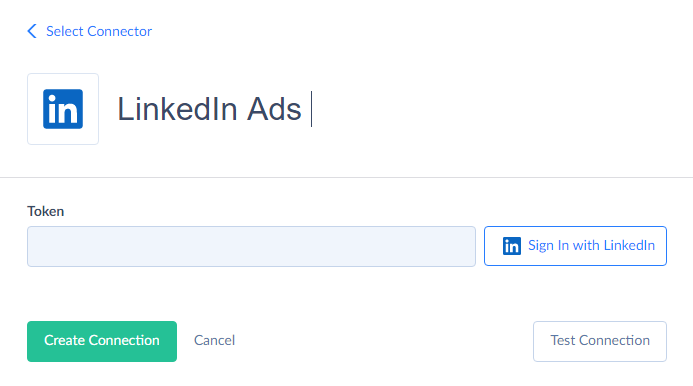
To create a connection with LinkedIn Ads, sign in with LinkedIn.
Creating Connection
To create a LinkedIn Ads connection, perform the following steps:
-
Click Sign In with LinkedIn.
-
Enter your LinkedIn email and password and click Sign in.
-
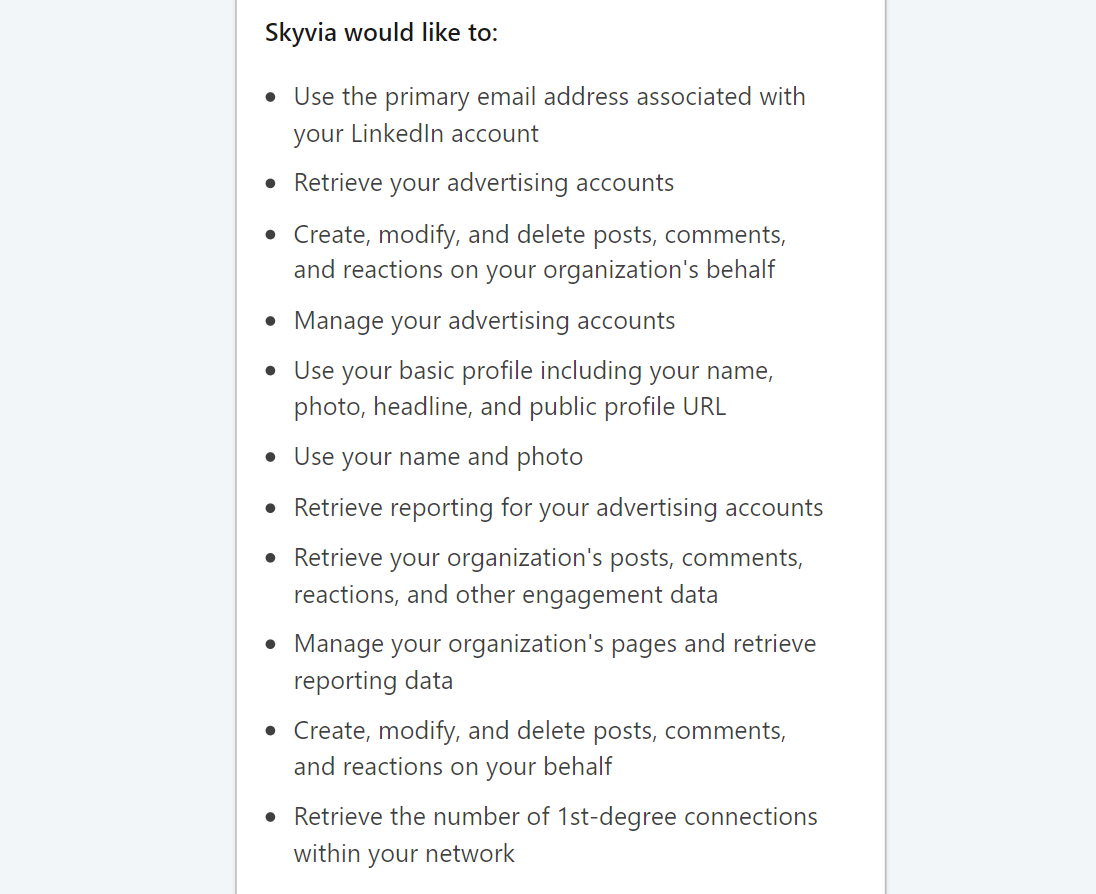
Click the Allow button to grant Skyvia access to your LinkedIn account.
Additional Connection Parameters
Attribution Window
Specifies how many days to go back from the last sync time when fetching conversions during the Incremental Replication. Default value is 30.
Include Incomplete Data in Reports and Statistics
Enables including current days and months in *Reports and *Statistics objects. Data might be incomplete. Default value is true. For Replication the Include Incomplete Data in Reports and Statistics parameter works when the Attribution Window is greater than zero.
Connector Specifics
Object Peculiarities
Ads
All ad data is consolidated in the Ads object. The Content field stores data specific to each ad type in JSON format. For user convenience, we grouped ads of different types into separate objects with the suffix *Ads in their names: TextAds, JobsAds, SpotlightAds, FollowerAds, DocumentAds. Each object contains fields specific to a particular ad type. Fields of such objects represent data from the Content field of the Ads object as separate fields.
*Statistics
Content statistics data is represented in the objects with the *Statistics suffix. By default, such objects return data for a year before today. However, LinkedIn Ads API allows querying data for the last 13 months if you set a corresponding filter.
By default, statistics include data for the current periods in the query results and might be incomplete. Disable the Include Incomplete Data in Reports and Statistics parameter in the connection to include only the complete days or months.
*Report
By default daily and monthly reports include data for the current periods in the query results and might be incomplete. Disable the Include Incomplete Data in Reports and Statistics parameter in the connection to include only the complete days or months.
When you use native filters in monthly reports against the completed months, you can only get data for the entire month, but not a part of it.
Organizations
You can query only those organizations where you have the administrator access rights.
AccountLeadFormResponses and OrganizationLeadFormResponses
AccountLeadFormResponses object contains lead form responses of the SPONSORED type and are related to Accounts.
OrganizationLeadFormResponses object contains lead form responses of the COMPANY, EVENT, and ORGANIZATION_PRODUCT types and are related to Organizations. You can query only the responses from the organizations or accounts where you have the administrator access rights.
Filtering Specifics
LinkedIn Ads API supports the following native filters:
| Objects | Operators and Fields |
|---|---|
| Accounts | Id (=) |
| Campaigns | Id, AccountId, Test (=). CampaignGroupId, Name, Type, Status (=, IN). |
| CampaignGroups | Id, AccountId, Test (=). Name, Status (=, IN). |
| Ads, DocumentAds, FollowerAds, JobsAds, TextAds, SpotlightAds | Id, AccountId (=). CampaignId, IntendedStatus (=, IN). |
| Conversions | Id, AccountId (=). |
| LeadForms | AccountId (=). |
| AccountsDailyReport, AccountsMonthlyReport, AdsDailyReport, AdsMonthlyReport, CampaignGroupsDailyReport, CampaignGroupsMonthlyReport, CampaignsDailyReport, CampaignsMonthlyReport, CampaignsMonthlyReport, ConversionsDailyReport, ConversionsMonthlyReport | Date (=, Between, >, >=, <, <=). |
| FollowerDailyStatistics, PageDailyStatistics, ShareDailyStatistics, FollowerMonthlyStatistics, PageMonthlyStatistics, ShareMonthlyStatistics | Date (=, Between, >, >=, <, <=). OrganizationId (=). |
| AccountLeadFormResponses | Id (=), AccountId (=), CreatedAt (=, <, <=, >, >=, Between), TestLead (=) |
| OrganizationLeadFormResponses | Id (=), OrganizationId (=), LeadType (=, IN), CreatedAt (=, <, <=, >, >=, Between), TestLead (=) |
Use these filters to improve performance and save API calls. You can use filters with other fields or operators, but it may increase API call usage.
DML Operations Support
LinkedIn Ads objects support the following operations.
| Operation | Object |
|---|---|
| INSERT, UPDATE, DELETE | Accounts, Campaigns, CampaignGroups, Conversions, TextAds |
| UPDATE, DELETE | Ads |
The following objects are read-only: AccountsDailyReport, AccountsMonthlyReport, AdsDailyReport, AdsMonthlyReport, CampaignGroupsDailyReport, CampaignGroupsMonthlyReport, CampaignsDailyReport, CampaignsMonthlyReport, ConversionsDailyReport, ConversionsMonthlyReport, DocumentAds, FollowerAds, FollowerDailyStatistics, FollowerMonthlyStatistics, JobsAds, LeadForms, Organizations, PageDailyStatistics, PageMonthlyStatistics, ShareDailyStatistics, ShareMonthlyStatistics.
Incremental Replication and Synchronization
Skyvia supports Incremental Updates for the following LinkedIn objects: Accounts, AccountsDailyReport, AccountsMonthlyReport, AccountLeadFormResponses, Ads, AdsDailyReport, AdsMonthlyReport, CampaignGroups, CampaignGroupsDailyReport, CampaignGroupsMonthlyReport, Campaigns, CampaignsDailyReport, CampaignsMonthlyReport, Conversions, ConversionsDailyReport, ConversionsMonthlyReport, DocumentAds, FollowerAds, FollowerDailyStatistics, FollowerMonthlyStatistics, JobsAds, Organizations, OrganizationLeadFormResponses, PageDailyStatistics, PageMonthlyStatistics, ShareDailyStatistics, ShareMonthlyStatistics, SpotlightAds, TextAds.
Organizations
The CreatedAt field in the Organizations object stores the date the organization was created in LinkedIn. You must have Administrator access to an organization to replicate the Organizations object and the dependent statistics. If you are added as an administrator to an existing organization, the organization may not be replicated with incremental updates because its modification timestamps precede your last successful sync. In this case, perform a full replication.
Reports and Statistics
With Include Incomplete Data in Reports and Statistics parameter enabled, replication gets the most recent available data during the initial run. During the subsequent runs, replication performs the retrospective update — it gets past data for the number of days specified in the Attribution Window.
When Include Incomplete Data in Reports and Statistics parameter is disabled, replication gets data for the completed period. During the first run, it gets data up to yesterday for daily reports or statistics, or up to the previous month for monthly reports or statistics. During subsequent runs, replication adds records only when the current day or month ends.
Replication can perform a retrospective update if the Attribution Window is greater than 0. In this case, replication selects data for the number of days specified in the Attribution Window, including yesterday or the previous month. For monthly reports or statistics, to ensure the inclusion of the last complete month, replication selects data for the number of days specified in the Attribution Window plus 31 days in the past from the month-end date.
If you need to change the starting date for replication, for example, to limit it to only the last few months, set the LastSyncTime parameter before the first run and select the desired date. Or specify the required period using filters by the Date field. You can set either the start date with >= or > operators, and the end date with the <= or < operators.
Synchronization
Skyvia supports Synchronization for the following objects: Accounts, Campaigns, CampaignGroups, Conversions, and TextAds.
Supported Actions
Skyvia supports all the common actions for LinkedIn Ads.